myDopamine

myDopamine · Dopík

"Our son actually asks whether he can take out the trash."

No, we haven't lost our minds. He's got tasks, points and rewards in the app — and we're the ones who approve them. The nagging flipped: we used to remind him, now he reminds us.

myDopamine

Habits, goals, tasks. One calm place.

No feed, no noise. Just the things you want to keep doing — and proof that you're keeping them.

myDopamine for you

Same principle, your version — a calm place for the things that make your life work.

You remember what works

The morning walk, the page of writing, the call you keep meaning to make — in one place, so you actually come back to them.

Days run smoother

See what's on today, tap it done, get on with your day. No feed, no noise, nothing to scroll.

You see yourself moving

Streaks, completion rates and a month view show it's holding — even on the days it doesn't feel like it.

What's inside

Everything in the app, at a glance.

  • Today — daily habits and weekly goals, tracked day by day
  • Tasks — one-off to-dos and longer goals side by side
  • Plans — things you want to get to one day
  • Stats — completion rate, start date, and day / week / month views
  • Inspiration — 500+ ideas for habits, tasks and goals
  • Sync — optional sign-in with Apple or Google to use the app across devices
  • Dopík — a kid space with tasks, rewards and a shared family rhythm
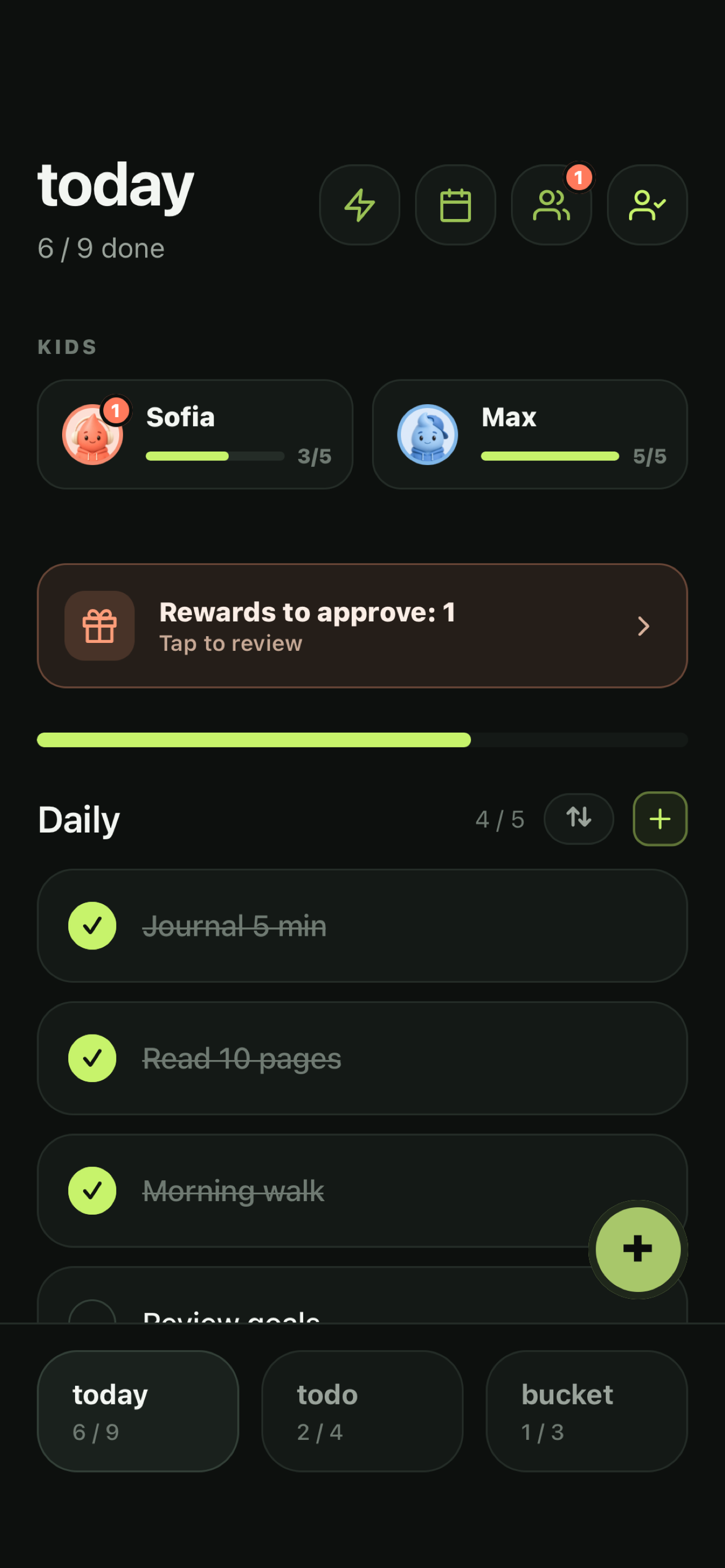
Today — habits, streak and the kids' progress
Today — your habits and streak. With Dopík, your kids' progress sits right below.

Dopík · for families

Kids do their tasks on their own. No nagging.

Dopík adds a kid space to myDopamine. As a parent you set up tasks and rewards; your child gets their own simple day to check off and a shop to spend what they earn. Both sides stay in sync — and a co-parent can join too.

What your kid takes away

Not a chore chart — habits that stay after the app.

Knows what to do, and when

A day they can see and tick off themselves — instead of a list you keep repeating.

Works on themselves

Streaks and points make it theirs. They come back tomorrow because they want to, not because you said so.

Learns to handle a budget

Points are earned, saved and spent. They decide what a reward is worth to them — and wait for it.

Gets that effort earns reward

I do something, I get something — with the reward coming from you, not from a screen.

How it works

Three steps from setup to a reward your kid actually earned.

1

Parent sets it up

Create kids, give them tasks worth points, and add rewards to the shop.

2

Kid checks off their day

Your child opens their own view, ticks tasks, builds a streak and earns points.

3

Reward, approved by you

The kid requests a reward from the shop; you get it in your approval queue.

The parent and kid sides

One account, two clean views — paired together.

You switch into your child's view right from the home screen — no separate login. On their own device, a child sees only their own clean day.

Parent home with kids and an approval banner
Parent — see each kid's progress and what's waiting for approval.
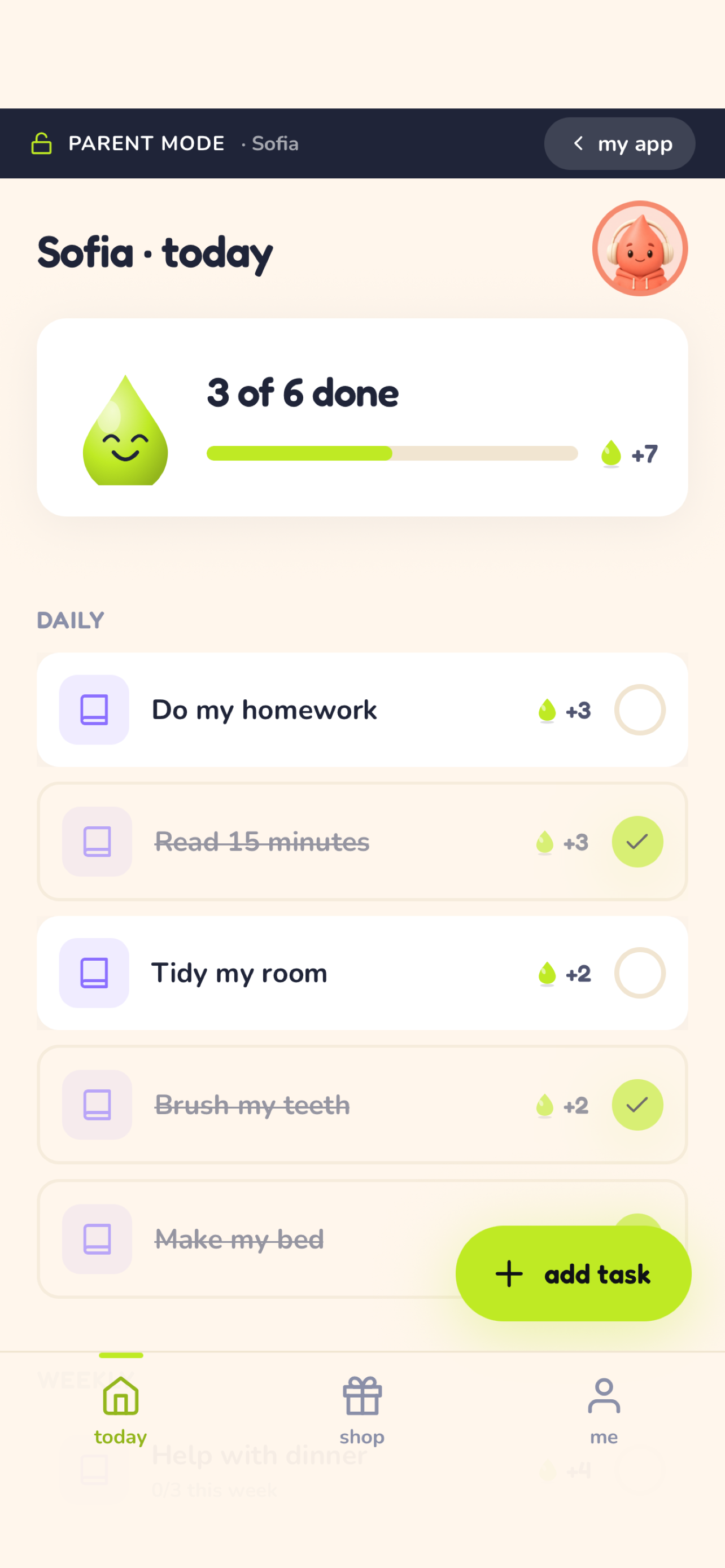
A child's day with tasks to check off
Kid — a simple day to check off, with a streak and balance.
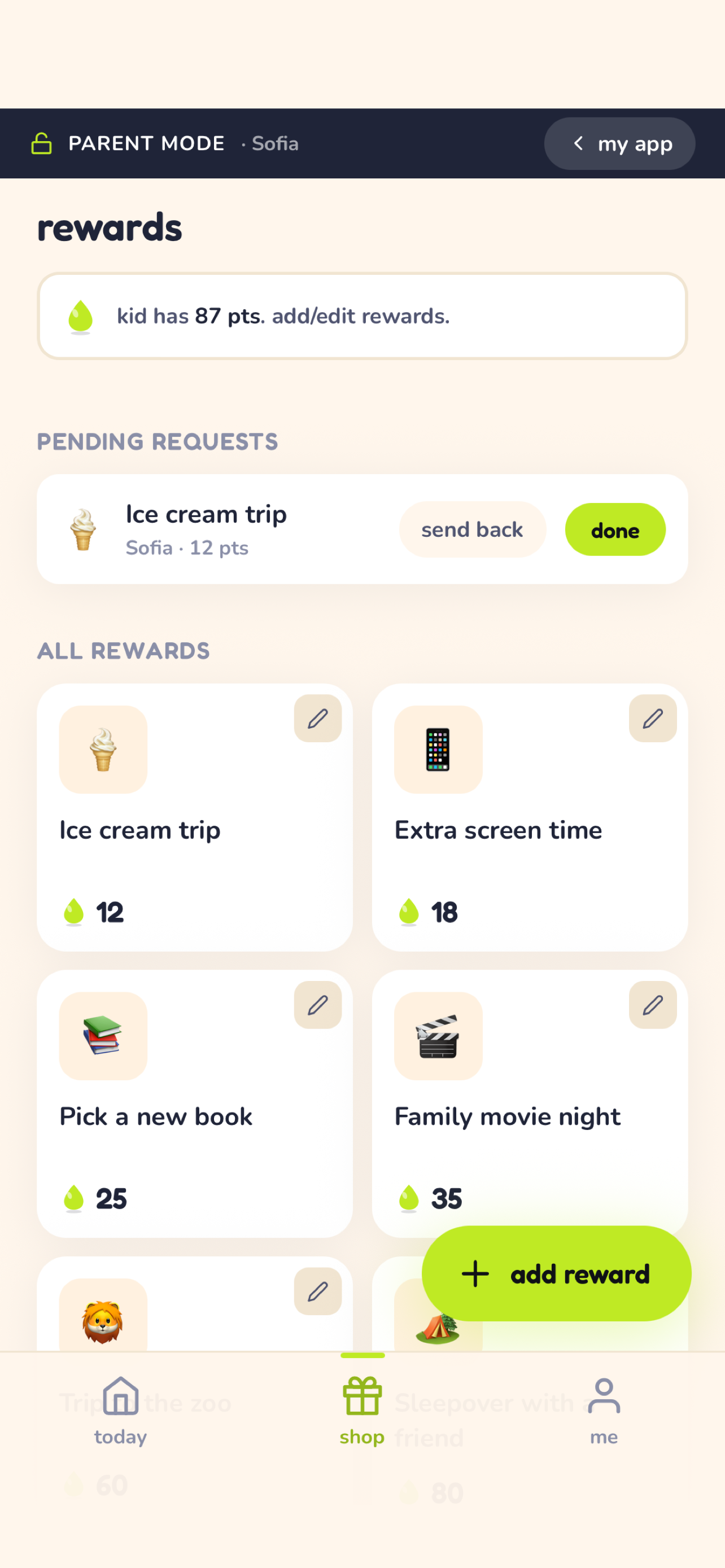
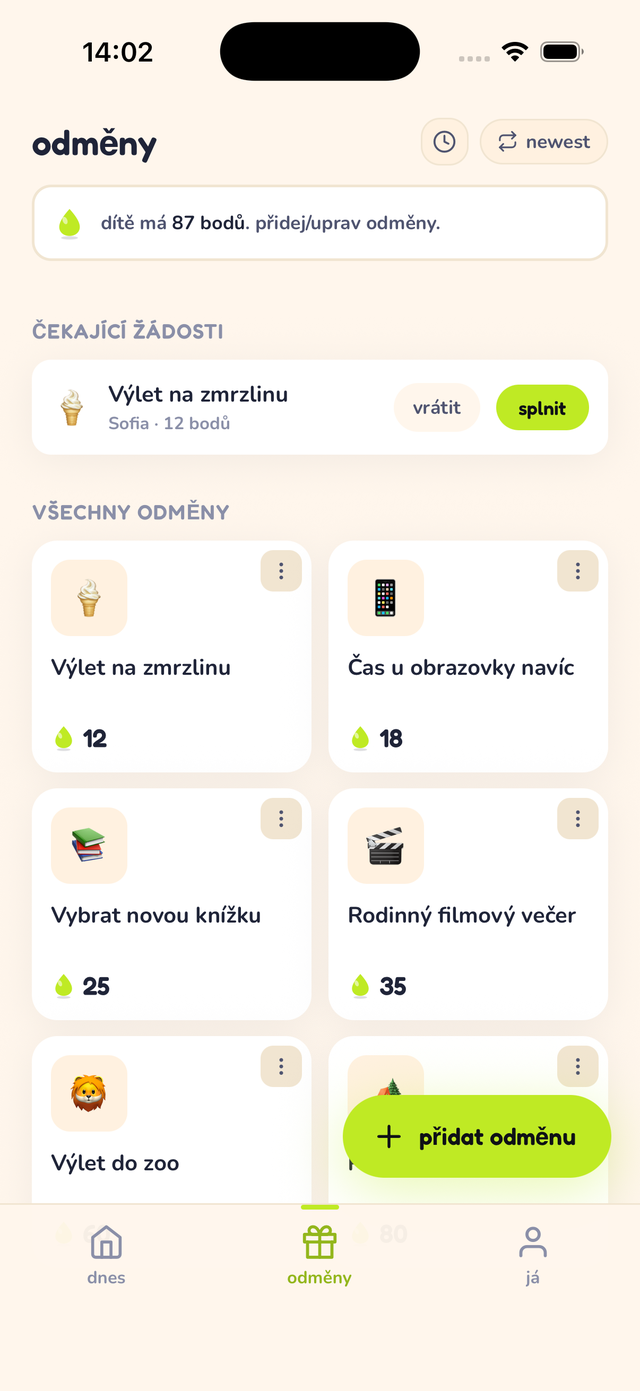
Rewards shop and a pending request
Rewards — a shop the kid spends points in, approved by a parent.

How to set up Dopík

Five minutes on your phone, one code on theirs.

1

Install and sign in

Download myDopamine on your phone and sign in with Apple or Google. Family data is stored with your account, so it stays in sync across devices.

2

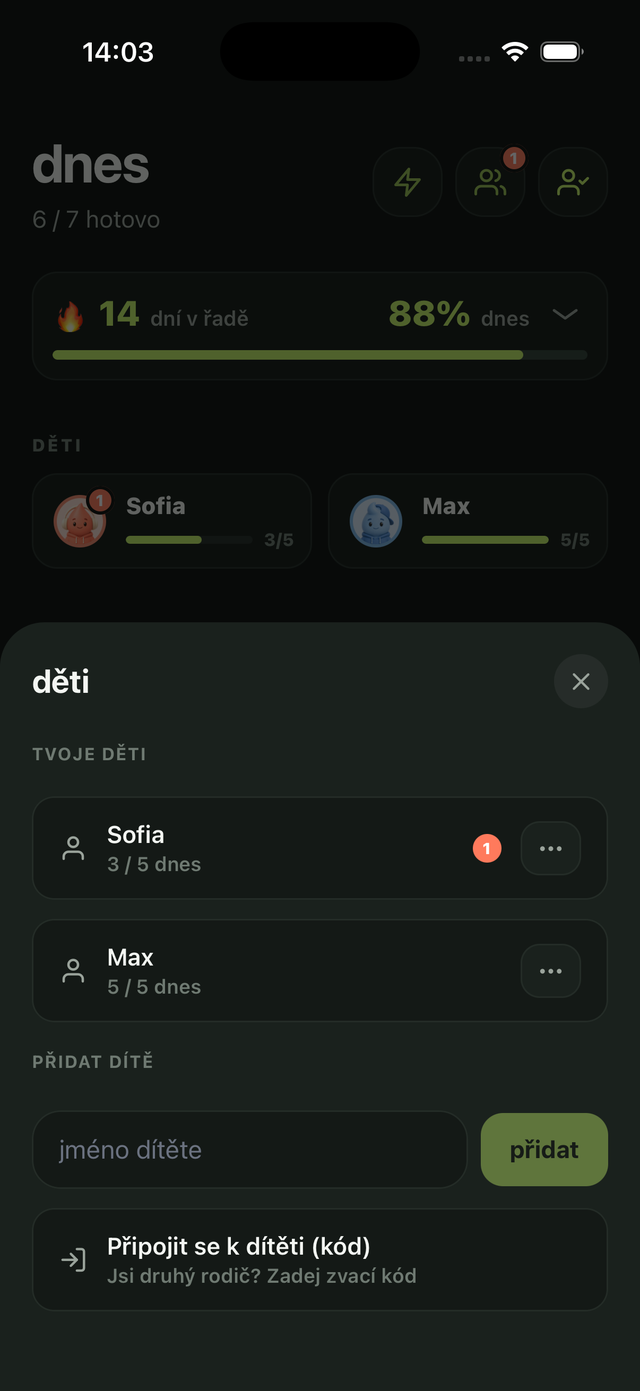
Add your child

In your profile, add a kid: name, age and an avatar. The age picks a look that fits — simpler for small kids, cooler for older ones.

3

Set tasks and rewards

Give each task points — daily habits, weekly goals or one-off jobs. Then fill the reward shop: screen time, a trip, an ice cream… you set the prices.

4

Kid uses your phone? Tap their avatar

On your home screen, tap your kid's avatar. Their Dopík opens in parent mode — they tick things off, you can edit. Ideal for small kids without a phone.

5

Parent mode

You see what the kid sees, plus a bar with exit and the controls: add a task, edit, archive, approve a reward. Tap exit to get back to your own app.

6

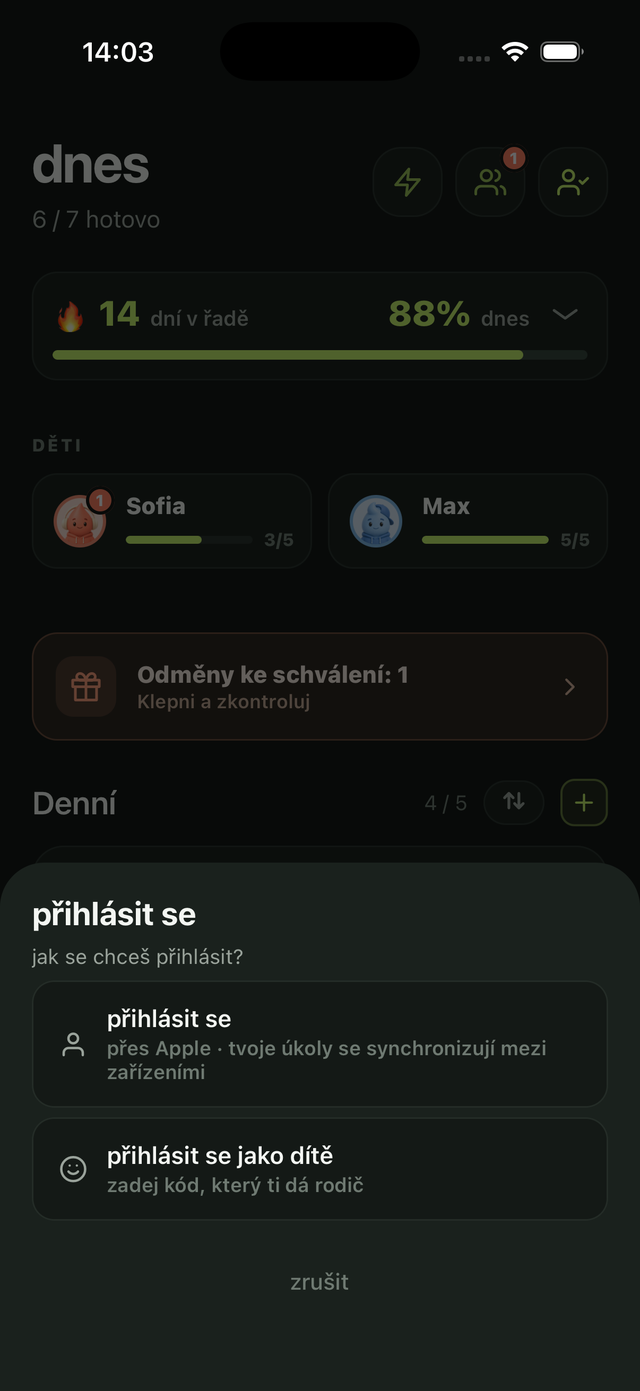
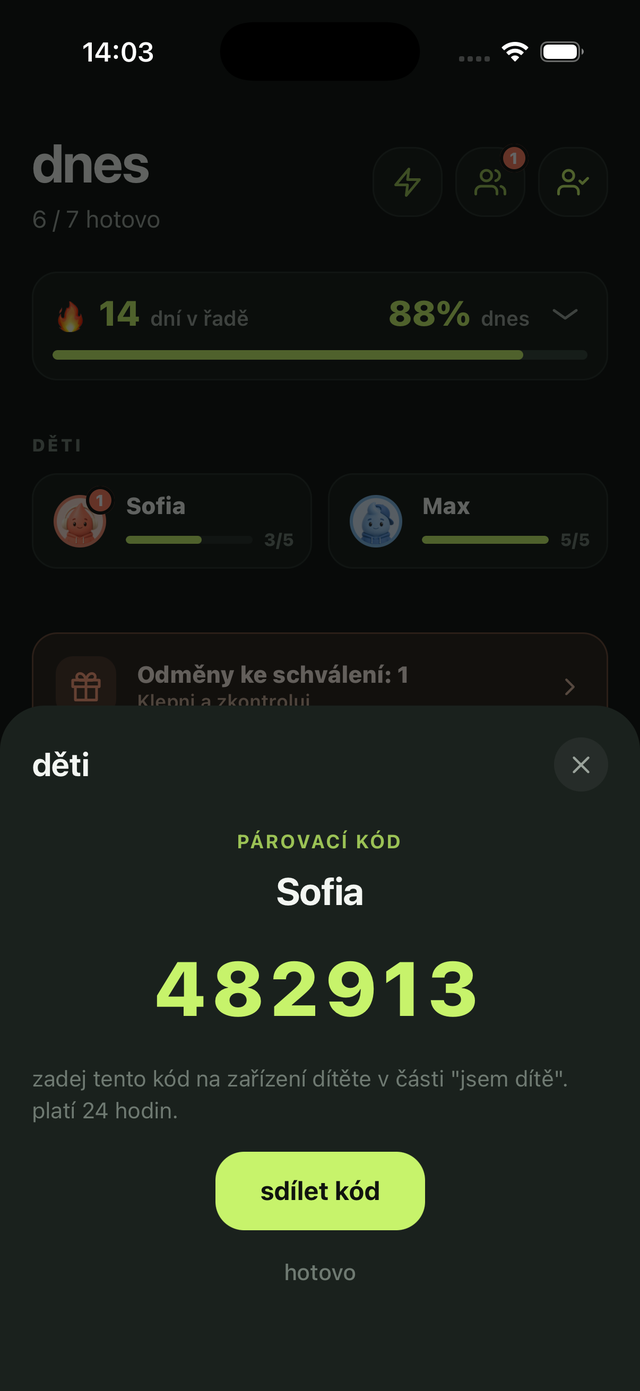
Kid has their own device? Get a code

Open the kid's profile and tap “Pair the kid's device”. You get a 6-digit code — valid for 24 hours.

7

On the kid's phone: sign in as a kid

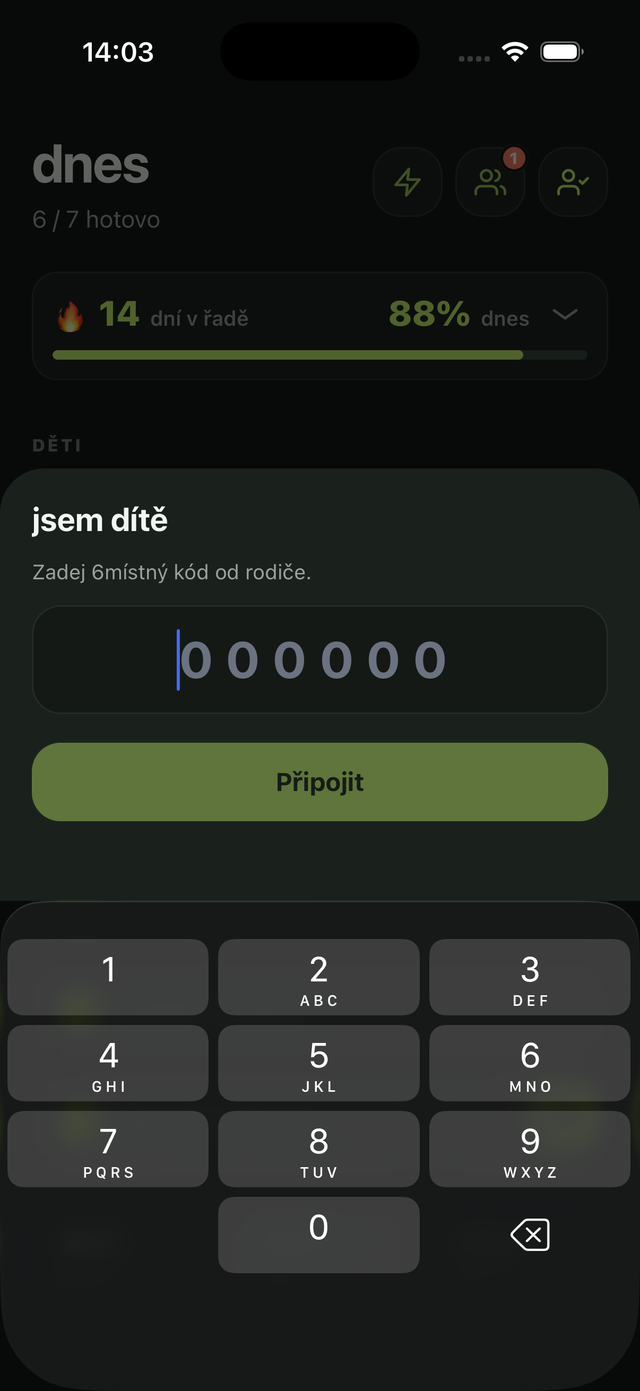
Install myDopamine on their phone and tap “sign in as a kid” — no account, no email.

8

Enter the code

Type in the 6-digit code from your phone. Done — they see only their own day.

9

Second parent? Invite them

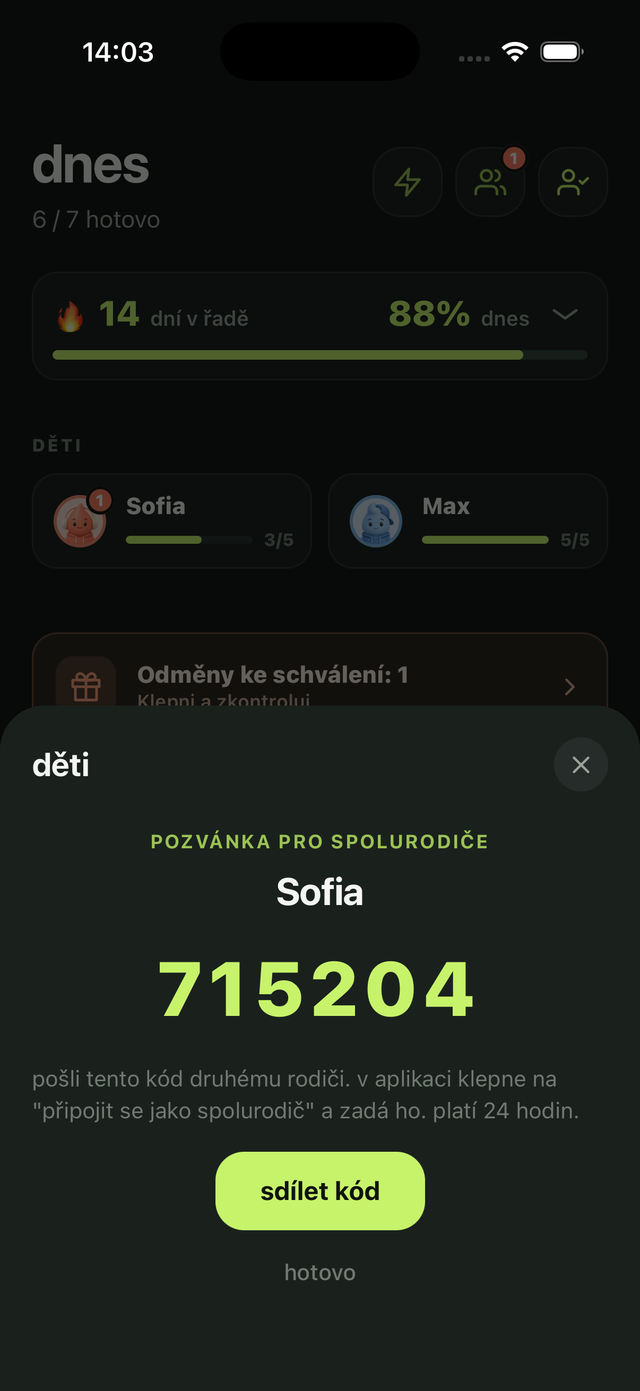
Tap “invite a co-parent” to get a code. The other parent signs in, taps “join as co-parent” and enters it. You both manage the same kids, tasks and rewards.

From then on, every day: your kid ticks off tasks, requests a reward from the shop — and you approve it with one tap.

Ready to try it?

Free to download. Set up your first kid tonight and see what tomorrow morning looks like.

support

How can we help?

Questions, bug reports, feedback, and feature requests for myDopamine are welcome here.

Reach a real person — we read every message.

Contact

Email support for app issues, feedback, or feature requests.

deen.bds@gmail.com

Account and privacy

You can delete your account from inside the app settings. For details about stored data and sync, see the Privacy tab.

When reporting a bug, include the app version, device model, and a short description of what happened.

privacy

Privacy Policy

myDopamine is built for personal use. The app works offline, and sync is optional.

Last updated: May 15, 2026

1. Introduction

myDopamine helps users manage daily habits, weekly goals, to-dos, bucket items, and larger goals, and — with Dopík — lets parents manage tasks and rewards for their children. The app can be used offline without creating an account. If you choose to sign in, sync your data, use family features, or use premium features, some information is processed as described below.

2. Data Stored on Your Device

Task titles, task types, completion history, sorting preferences, and other app settings are stored locally on your device. If you sign in, the app also stores the authentication information needed to keep you signed in.

3. Optional Account and Sync Data

Sign in with Apple is optional. If you choose to use it, myDopamine receives the Apple account identifier needed to create your account and, if Apple provides it, your email address. To keep your lists available across your devices, synced data such as tasks, completions, and settings is stored on a private backend operated for myDopamine.

4. Family (Dopík) Data

If you use Dopík, the kid profiles you create (such as a display name, avatar, tasks, rewards, points and completions) are stored on the same private backend so they stay in sync across your devices and any co-parent you invite. This data is created and managed by you as the parent; children do not provide personal information directly.

5. Subscriptions

myDopamine uses RevenueCat to manage subscription status and restore purchases. Payments are handled by Apple through the App Store. Subscription-related information is used only to provide and manage premium access.

6. How Data Is Used

Data is used to authenticate your account, sync your lists and family data, restore app settings, provide premium access, support account deletion, and maintain the service. Synced data may be accessed when necessary to operate, maintain, or support myDopamine.

7. Data Sharing

myDopamine does not sell your data, use it for advertising, or show your task data to other users. Limited data is processed by service providers needed for optional features, including Apple for sign-in and purchases and RevenueCat for subscription management.

8. Deletion

If you create an account, you can delete it from the app settings. Deleting your account removes your synced account data, tasks, completions, family data, and settings from the backend. If you use myDopamine offline only, your local data remains on your device until you remove the app or reset the data yourself.

9. Anonymous Usage Statistics

To understand how much myDopamine is actually used — including by people who never create an account — the app sends a small anonymous signal: a random identifier generated on your device the first time the app runs, the dates on which the app was opened, the app version, the platform, the app language, and whether an account is signed in. It contains nothing from inside the app: no task titles, no completion history, no names, and no contact details. The random identifier belongs only to that one installation, is not a device identifier or an advertising identifier, is not linked to your account or to you as a person, and is gone when you remove the app. This data is never used for advertising, never used to track you across other apps or websites, and is never shared with third parties. If your device is offline, the dates are kept on the device and sent later.

10. Contact

If you have any questions about this Privacy Policy, contact deen.bds@gmail.com.